
Making Smarter Decisions with Google Analytics 4 Dashboards
Ve
Introduction to Google Analytics 4 Dashboards
In the rapidly evolving digital landscape, making informed decisions is crucial for business success. Google Analytics 4 (GA4) dashboards provide the tools you need to gain deeper insights into your website's performance. These dashboards are designed to help you understand your users' behavior, optimize marketing strategies, and ultimately, achieve your business goals.
GA4's dashboards offer a streamlined interface and a range of features that make data analysis more accessible. By leveraging these tools, businesses can make smarter, data-driven decisions. Let's explore how you can utilize GA4 dashboards to enhance your decision-making process.
Understanding Key Metrics
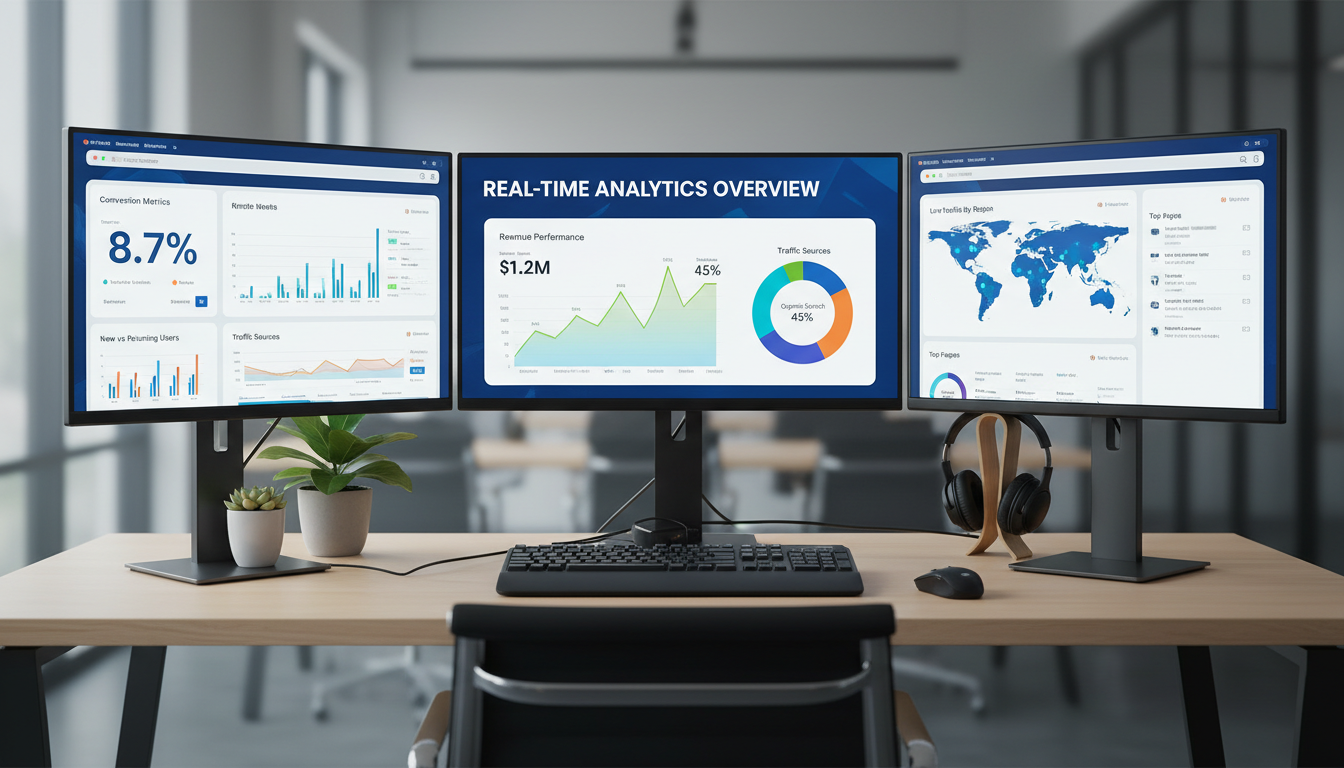
One of the first steps in using GA4 dashboards effectively is understanding the key metrics available. These metrics provide a snapshot of your website's performance and user engagement. Here are some essential metrics to monitor:
- Users: The total number of unique visitors to your site.
- Engagement Rate: The percentage of active users engaged with your content.
- Conversions: The total number of completed actions that are important to your business.
By focusing on these metrics, you can gain a clearer picture of how users are interacting with your website and where improvements are needed.
Customizing Your Dashboard
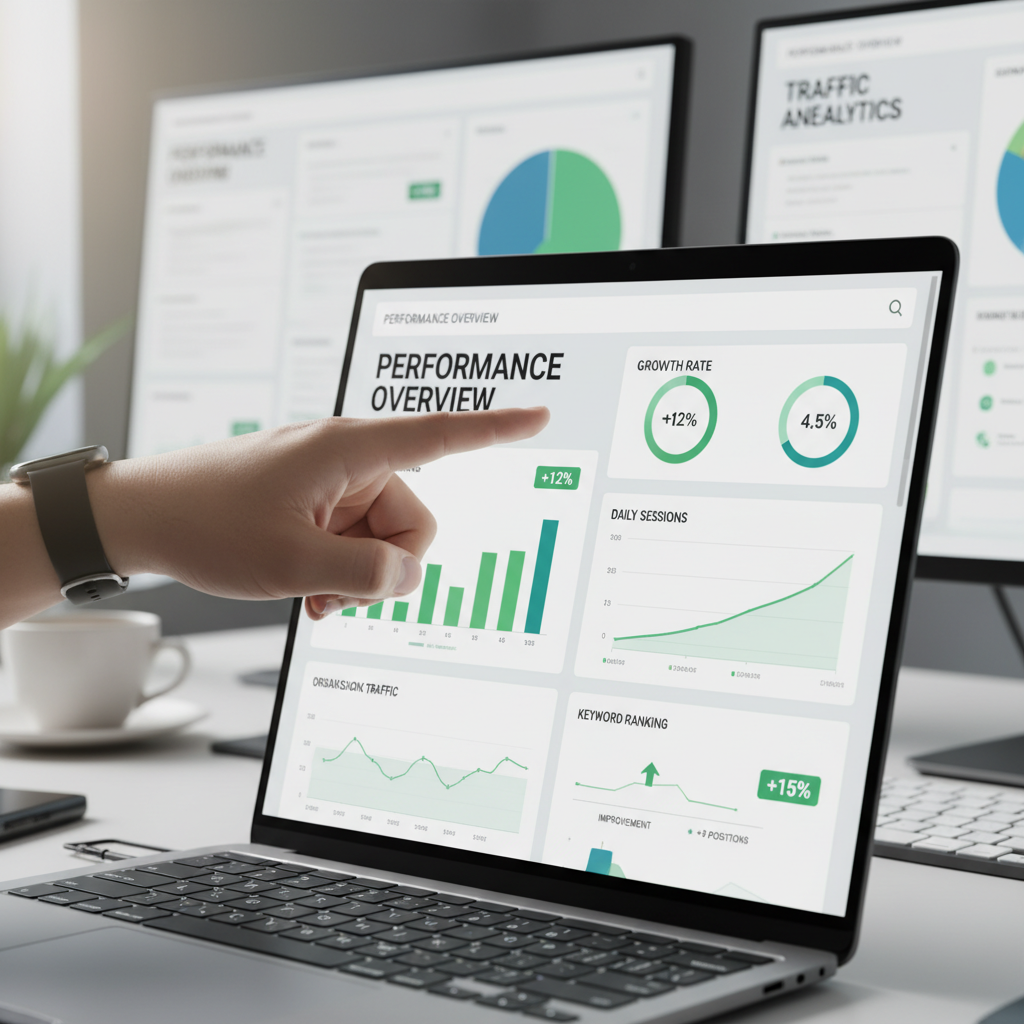
GA4 allows you to customize your dashboards, making it easier to track the data most relevant to your business objectives. Customization options include selecting specific metrics, arranging data visualizations, and creating segments to analyze different user groups.
To customize your dashboard, start by identifying the KPIs most important to your business. Then, use GA4's intuitive interface to add widgets, charts, and tables that display this data. This personalized view can help you quickly identify trends and make informed decisions.
Using Segments for Deeper Insights
Segments are a powerful feature of GA4 that allow you to dive deeper into your data. By creating segments, you can analyze specific subsets of users, such as those from a particular geographic location or users who completed a certain action.
Utilizing segments can help you understand different user behaviors and tailor your marketing strategies accordingly. This approach ensures that your decisions are backed by comprehensive data analysis.

Leveraging Predictive Analytics
One of the standout features of GA4 is its predictive analytics capabilities. These tools use machine learning to forecast future user behavior, such as predicting purchase likelihood or churn probability.
By leveraging predictive analytics, businesses can proactively address potential issues and capitalize on opportunities. This forward-thinking approach helps in making smarter, evidence-based decisions that drive growth.
Integrating with Other Tools
To maximize the benefits of GA4 dashboards, consider integrating them with other tools such as Google Ads or third-party CRM systems. This integration allows you to create a seamless flow of information, enabling a more comprehensive analysis of your marketing efforts.
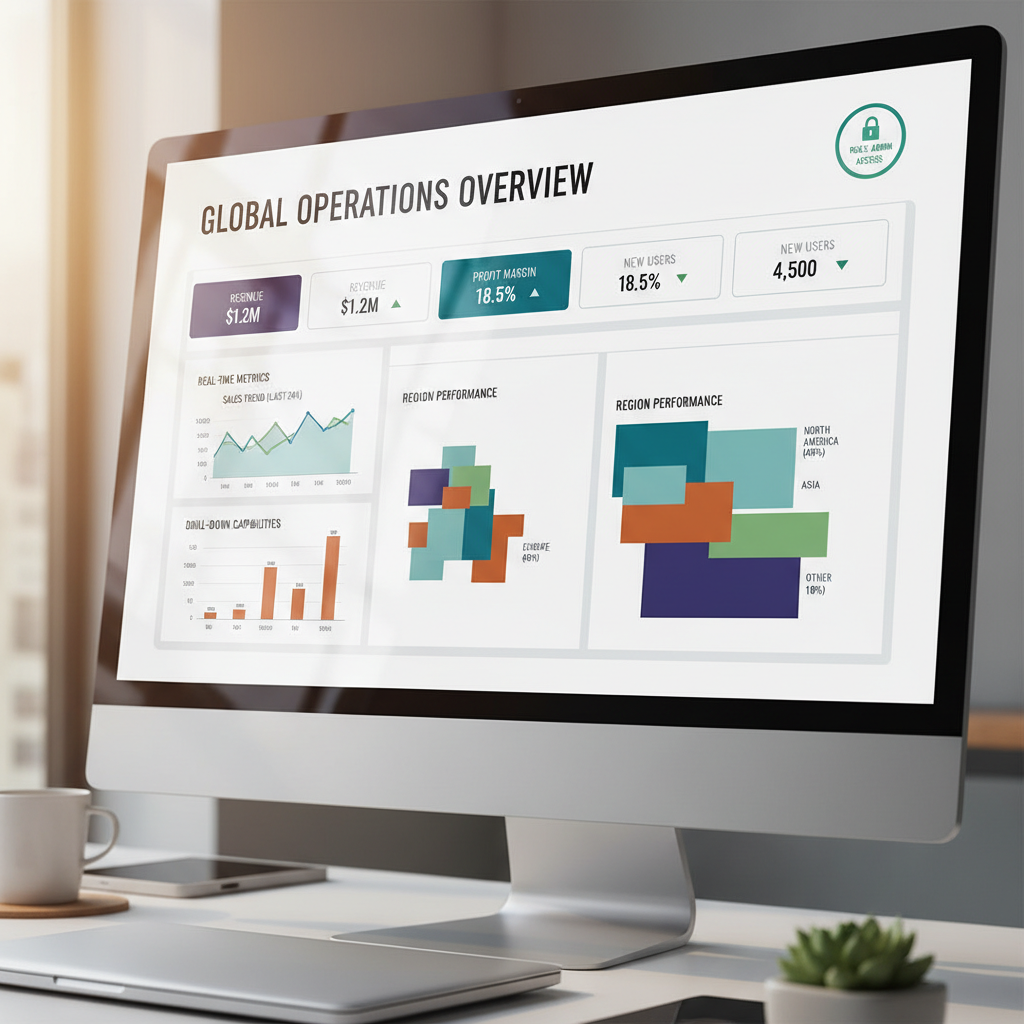
By combining data from multiple sources, you can gain a holistic view of your performance, helping you to refine strategies and improve ROI.
Conclusion
Google Analytics 4 dashboards are a powerful resource for making smarter business decisions. By understanding key metrics, customizing your dashboard, and leveraging advanced features like predictive analytics, you can gain valuable insights into your website's performance and user behavior.
Remember, the key to success with GA4 is continuous monitoring and adaptation. As your business grows, regularly revisit your dashboards to ensure they align with your evolving objectives. With the right approach, GA4 can be an indispensable tool in your decision-making arsenal.