Transform Your Email Marketing with Klaviyo: A Step-by-Step Tutorial
Ve
Email marketing is a powerful tool for businesses looking to engage with their audience, drive sales, and build brand loyalty. Klaviyo is a leading platform that can help you elevate your email marketing strategy. In this step-by-step tutorial, we'll guide you through transforming your campaigns using Klaviyo.
Getting Started with Klaviyo
To begin, sign up for a Klaviyo account. The platform offers a user-friendly interface that makes it easy to navigate. After creating your account, you'll be prompted to connect your e-commerce store. Klaviyo integrates seamlessly with platforms like Shopify, BigCommerce, and WooCommerce, allowing you to import customer data effortlessly.
Importing Your Contacts
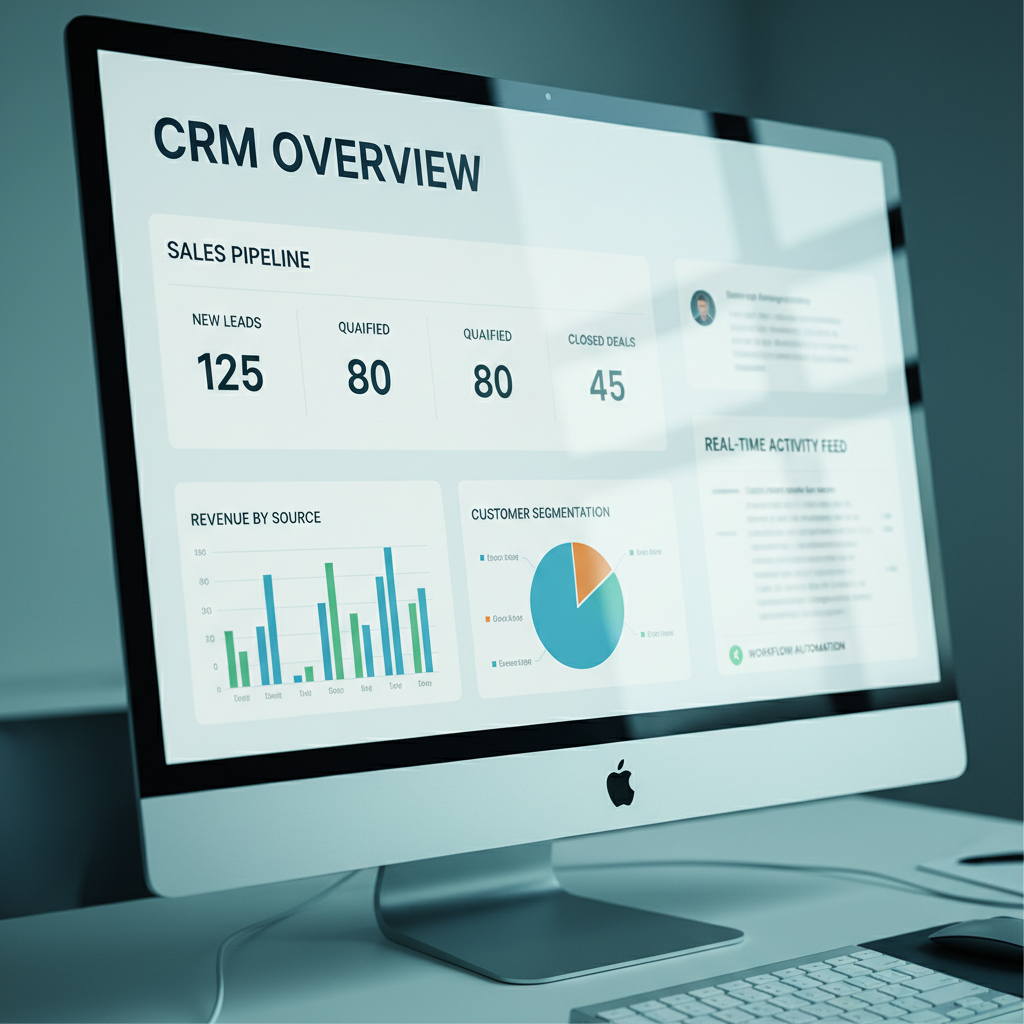
Once your store is connected, it's time to import your contacts. Klaviyo allows you to upload contacts from a CSV file or import them directly from your e-commerce platform. Make sure your contact list is clean and segmented to ensure targeted and effective campaigns. Segmentation is key to personalizing your emails and increasing engagement.
Creating Your First Campaign
With your contacts imported, you can now create your first email campaign. Navigate to the 'Campaigns' tab and click on 'Create Campaign.' You'll be prompted to choose between an email or SMS campaign. Select 'Email' and proceed to design your message. Klaviyo offers a drag-and-drop editor, making it easy to create visually appealing emails.
Designing Effective Emails
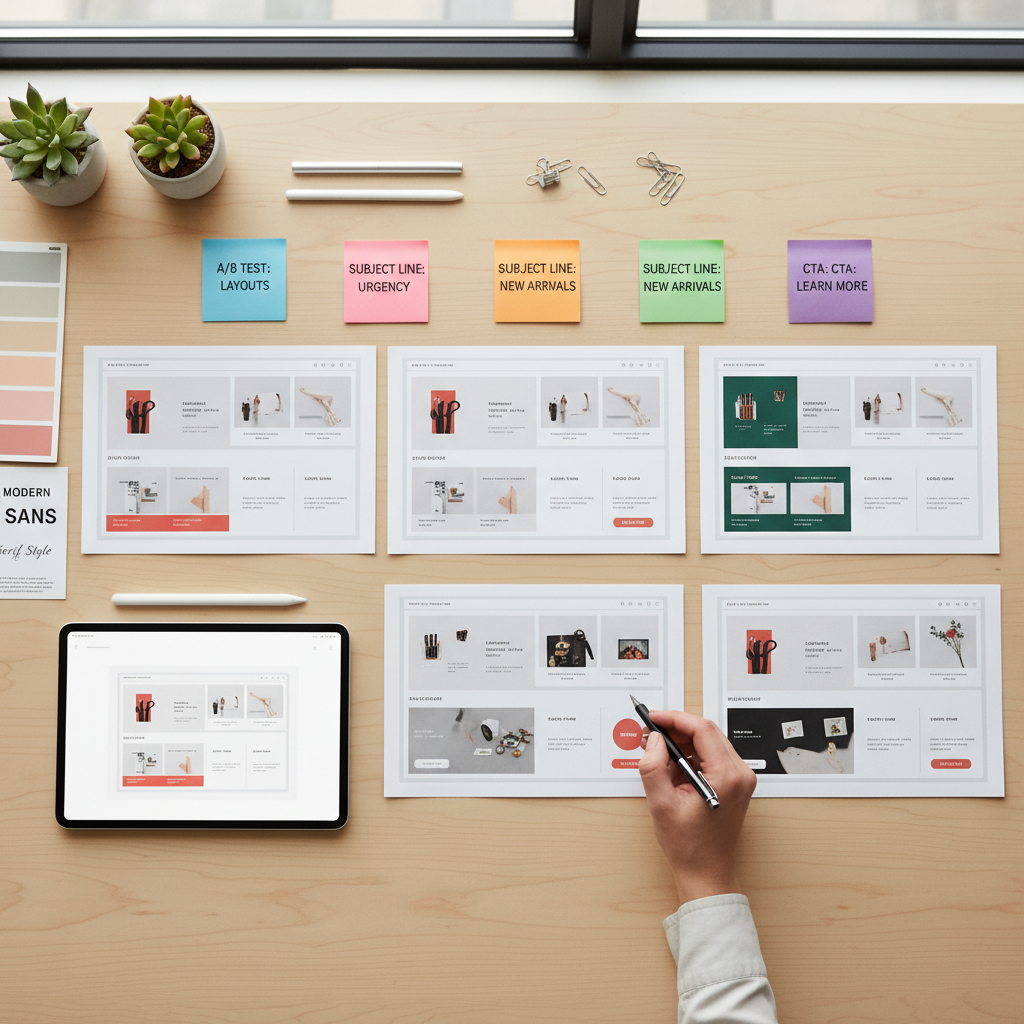
When designing your email, focus on creating a compelling subject line and engaging content. Use Klaviyo's templates or customize your own to match your brand's aesthetic. Incorporate images, call-to-action buttons, and personalized content to capture your audience's attention. Remember to test your emails on different devices to ensure they display correctly.
Automating Your Email Flows
One of Klaviyo's standout features is its automation capabilities. Email flows allow you to send targeted messages based on customer behavior. To set up a flow, go to the 'Flows' tab and select 'Create Flow.' Choose from pre-built templates such as welcome series, abandoned cart reminders, or browse abandonment emails.

Monitoring and Optimizing Campaigns
After launching your campaigns, it's essential to monitor their performance. Klaviyo provides detailed analytics, including open rates, click-through rates, and revenue generated. Use these insights to optimize your strategy. Experiment with different subject lines, send times, and content to see what resonates best with your audience.
Conclusion
Transforming your email marketing with Klaviyo can lead to increased engagement and sales. By leveraging its powerful features like segmentation, automation, and detailed analytics, you can create personalized and effective campaigns. Start implementing these strategies today and watch your email marketing efforts succeed.